Backend API Documentation
This page gathers all backend API endpoints and front-end responsibilities.
For more details, please refer to the Swagger documentation.
1. Internationalization
All endpoints support the Accept-Language header for translations.
The supported locales are English (en), German (de), French (fr).
Accept-Language: de2. Products
2.1 List in-stock products
GET /api/products
(filters & pagination in query)
fetch('/api/products?page=1&per_page=20&category=concert', { headers })
  .then(res => res.json());
2.2 Get product details
GET /api/products/{id}
3. Shopping Cart
3.1 Guest cart
3.1.1 View cart
GET /api/cart- Response contains:
meta.guest_cart_id (UUID) - Storage: Redis (TTL 120 min, reset on update). The server generates guest_cart_id on first call and then requires clients to include header:
- Requires header:
X-Guest-Cart-ID: {guest_cart_id}
3.1.2 Update item
PATCH /api/cart/item/{product_id}
- Requires header:
X-Guest-Cart-ID: {guest_cart_id} - Request body:
Always indicate the entire quantity{ "quantity":0|n }
3.2 User cart
This cart is stored in database. After login, guest cart merges into user’s cart.
All endpoints require
Authorization: Bearer {token}- View cart:
GET /api/cart - Update item:
PATCH /api/cart/item/{product_id}Always indicate the entire quantity - Empty cart:
DELETE /api/cart/items
⚠️ After any update (guest or user), always re-fetch the cart with GET /api/cart.
4. Authentication & Users
4.1 Registration
POST /api/auth/register
- Requires: Google ReCaptcha token and accept_terms
- Password rules: ≥15 chars, lower, upper, digit, special.
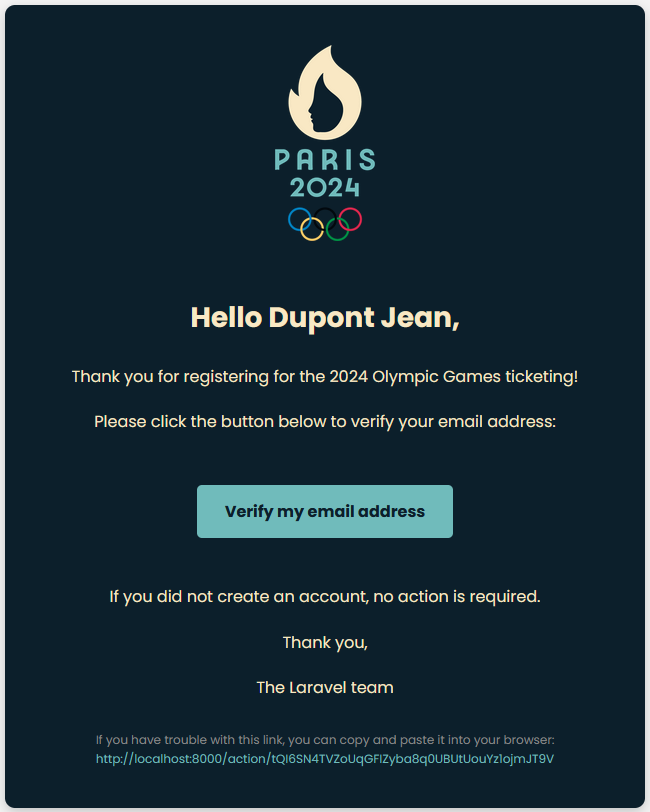
- Response: verification email sent (link valid 1h).
4.1.1 Email verification
GET /api/auth/email/{id}/{hash}Redirects to front URLs:
/verification-result/success/verification-result/invalid/verification-result/already-verified/verification-result/error
- If verification link fails: prompt user to login. Upon login, a new verification email is sent automatically in their locale.
- Manual resend:
POST /api/auth/email/resend(Email is required in the body of the request).
⚠️ By problems with verification, please contact administration with the registered email, the admin can verify it.
4.2 Login & Two-Factor Authentication
POST /api/auth/login
- If 2FA enabled and no code:
HTTP 400 { "message": "Two-factor authentication code is required", "code": "twofa_required" } - Resend same request with
twofa_codeto complete login - On success:
HTTP 200 { "message": "Logged in successfully", "token": "...", "user": { … }, "twofa_enabled": true|false }
⚠️ The Bearer token is valid 12 hours or 7 days when remember me is active.
4.3 Enable/Disable 2FA
- Enable:
POST /api/auth/2fa/enable(Auth) → { "qr_code_url", "secret", "expires_at" } (display QR + key + expire date (+10 minutes)) - Confirm:
POST /api/auth/2fa/confirm(Auth) → { "recovery_codes" } (recovery codes) - Disable:
POST /api/auth/2fa/disable(Auth) { "code" } is required (this can be application code or a recovery code
⚠️ 2FA is optional but recommended. For help disabling it, please contact administration with your registered email. We use Google 2FA.
4.4 Password reset
- Request:
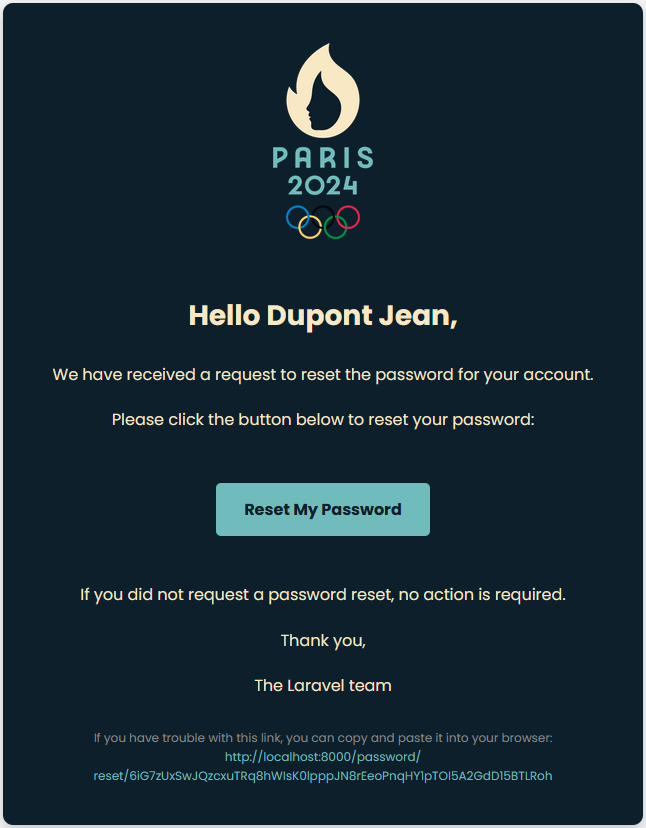
POST /api/auth/password/forgot{ email } sends reset front URL/password-reset?token=...&email=john@example.com&locale=fr - Perform:
POST /api/auth/password/reset
4.5 Change password
POST /api/auth/password
4.6 Profile & Email change
- Get profile:
GET /api/users/me(Auth) → includes twofa_enabled - Update profile:
PATCH /api/users/me{ first_name, last_name } - Change Email:
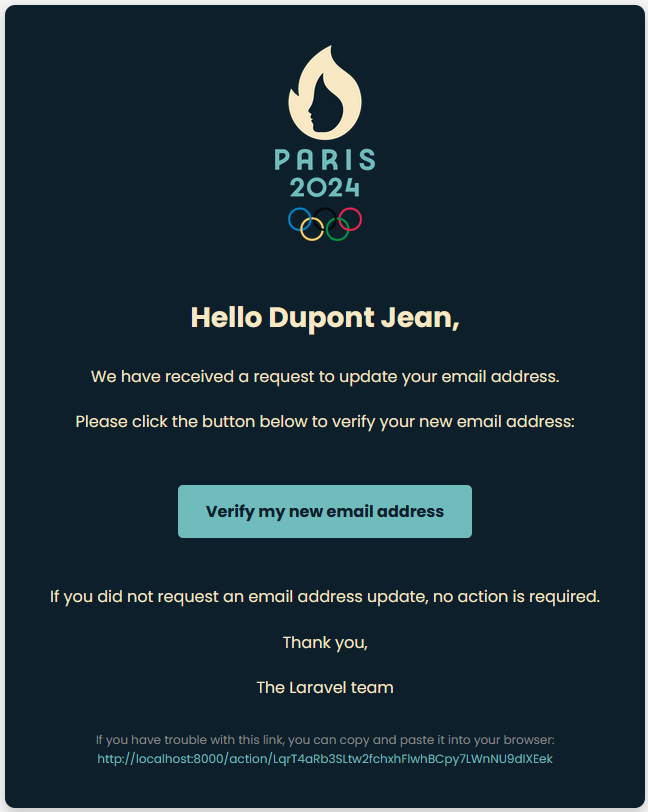
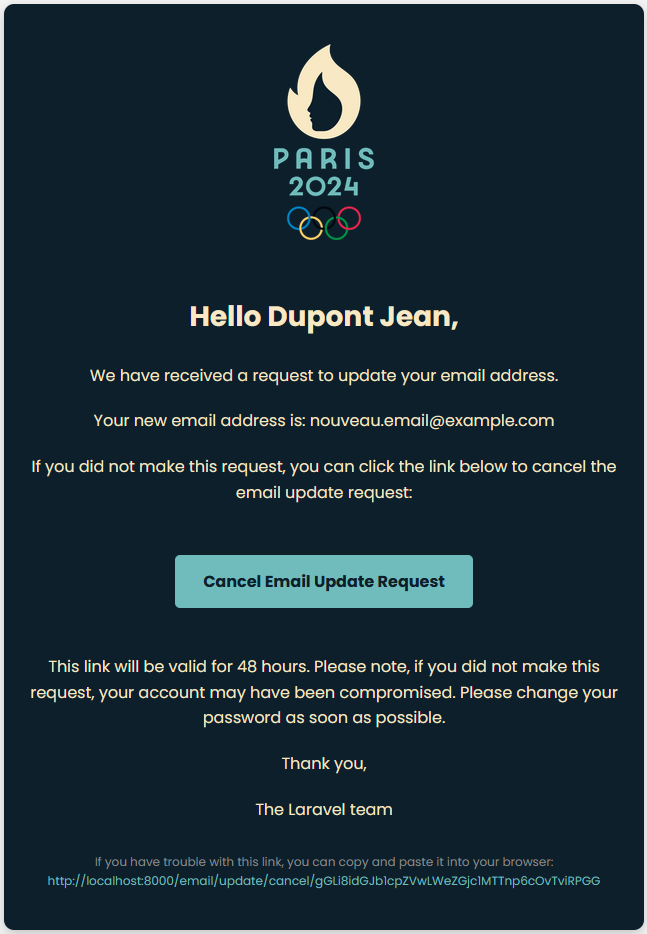
PATCH /api/auth/emailtriggers change emails needs to be verified: -
New email:
GET /api/auth/email/change/verify?token=...&old_email=...
Link valid for 1h and logout the user
Redirects to front URLs:/verification-result/success/verification-result/invalid/verification-result/already-verified/verification-result/error -
Old email:
GET /api/auth/email/cancel/{token}/{old_email}
Is used to revoke the email change, link valid 48h and logout the user
Redirects to front URLs:/verification-result/success/verification-result/invalid/verification-result/already-verified/verification-result/error
5. Orders & Payments
5.1 Initiate payment
POST /api/payments(Auth) returns → { client_secret }
⚠️ This endpoint is called when the user clicks on the "Pay" button.
5.1.1 Front integration
After receiving client_secret, the front should:
- Load Stripe.js
- Initialize and confirm payment:
const stripe = await loadStripe('pk_test_...');
const elements = stripe.elements();
const card = elements.create('card');
card.mount('#card-element');
const { error, paymentIntent } = await stripe.confirmCardPayment(clientSecret, { payment_method: { card, billing_details: { name, email } } });
5.2 Stripe webhook
POST /api/payments/webhook
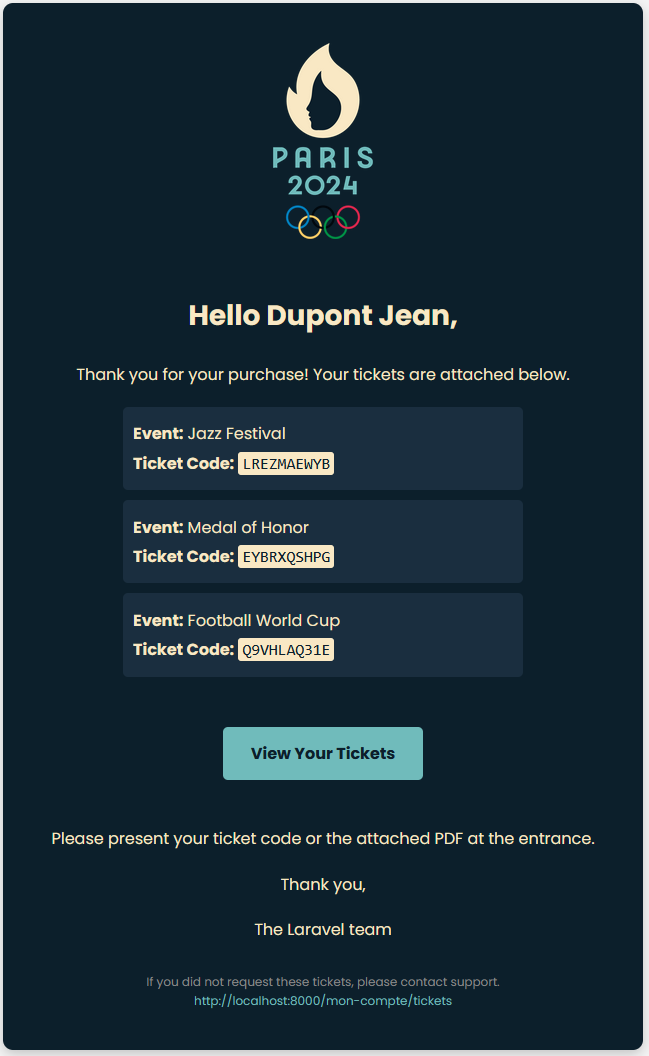
Verify signature and handle events (invoices, tickets, email with tickets, stock updates).
⚠️ The front-end should not call this endpoint directly. It is called by Stripe when a payment is made.
5.3 Status & Clear cart
GET /api/payments/{uuid}
Poll for status until it’s paid.
⚠️ Once paid, front-end must call DELETE /api/cart/items to clear the cart.
5.4 Refund (admin)
POST /api/payments/{uuid}/refund
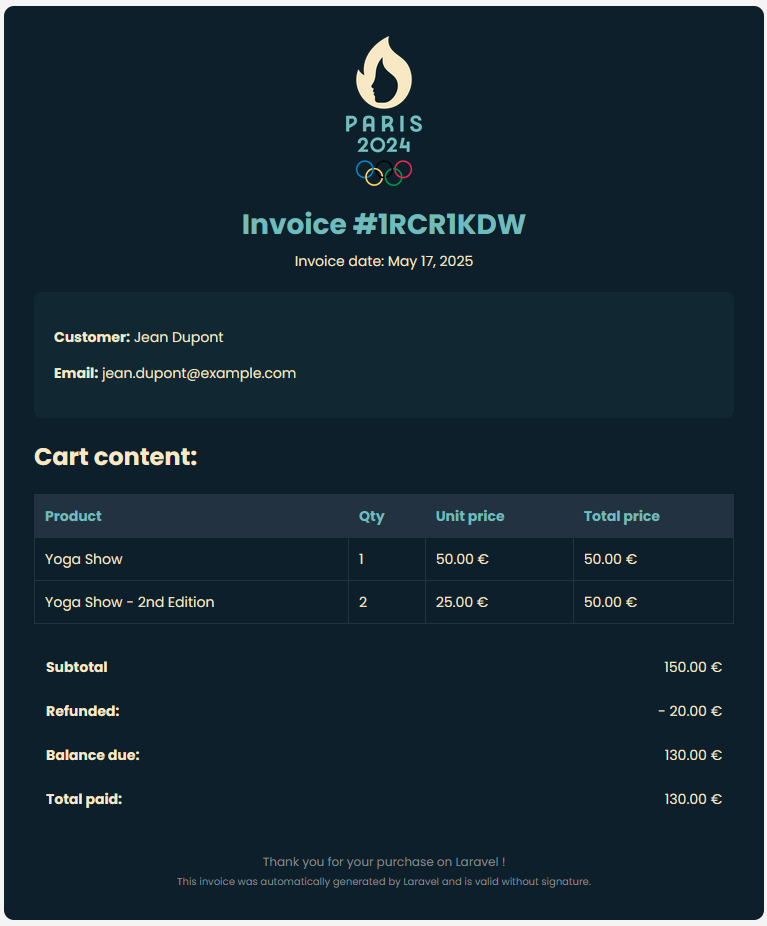
{ "amount": 25.00 } regenerates the invoice PDF.
⚠️ After refund the admin should update the status of the tickets too, it's not automatically.
6. Invoices & Tickets
6.1 User invoices
- List:
GET /api/invoices/user(supports filters & pagination) - Download Invoice:
GET /api/invoices/{filename}(PDF)
6.2 Admin invoice download
GET /api/invoices/admin/{filename}
6.3 User tickets
- List:
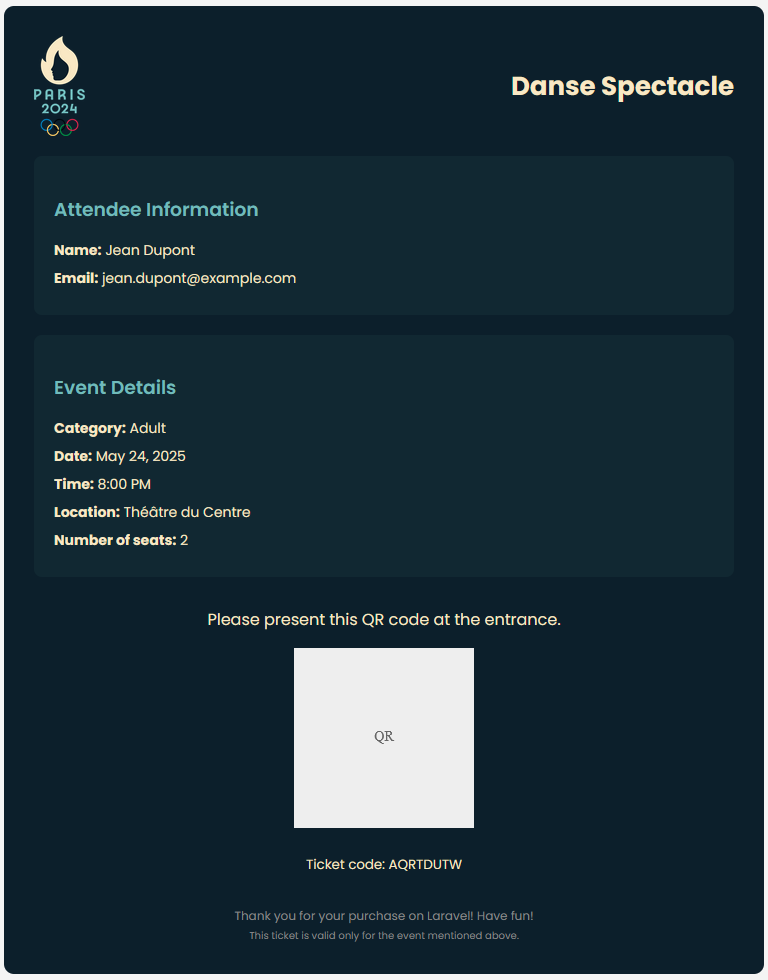
GET /api/tickets/user(supports filters & pagination) - Download Ticket:
GET /api/tickets/{filename}(PDF) - Download QR:
GET /api/tickets/qr/{filename}(PNG)
6.4 Admin tickets
- List:
GET /api/tickets(supports filters & pagination) - Download Ticket:
GET /api/tickets/admin/{filename}(PDF) - Download QR:
GET /api/tickets/admin/qr/{filename}(QR) - Update status:
PUT /api/tickets/admin/{id}/status{ status } - Create free tickets:
POST /api/tickets{ user_id, quantity, locale }
⚠️ Only tickets marked “issued” are valid for scanning.
⚠️ For free tickets, the front-end should call POST /api/tickets with the user_id, locale and quantity. The backend will generate the invoices and the tickets and send them to the user via email.
7. Administration
7.1 Products management
- List:
GET /api/products/all(supports filters & pagination) - One product:
GET /api/products/{id} - Create product:
POST /api/products{ translations, price, sale, stock_quantity, images } - Update the whole product:
PUT /api/products/{id} - Update the pricing and the stock
PATCH /api/products/{id}/pricing
⚠️ All product data (translations, descriptions, etc.) must be provided for every supported locale.
⚠️ The sale field is a decimal (e.g. 0.10 for 10% discount).
7.2 Users management
- List:
GET /api/users(supports filters & pagination) - One user:
GET /api/users/{id} - Update a user:
PATCH /api/users/{id}{ name, roles[], twofa_enabled } - Check pending email change:
GET /api/users/email/{id}
⚠️ The user can be deactivated by changing is_active.
7.3 Sales reporting
GET /api/admin/sales (supports filters & pagination)
7.4 Employee account creation
POST /api/users/employees
7.5 Ticket scanning for employees
GET /api/tickets/scan/{token}
After scanning the QR code, the employee calls this endpoint to retrieve the ticket details (customer info, event info, ticket token and current status). The {token} parameter must be the UUID encoded in the QR code.
POST /api/tickets/scan/{token}
⚠️ To validate the ticket and mark it as used, the employee must send the {token} (the UUID that he received by the GET) to this endpoint.
7.6 Payments (admin)
GET /api/payments(supports filters & pagination)POST /api/payments/{uuid}/refund
⚠️ The refund is not automatically done on the tickets, the admin must do it manually.
8. Logout
POST /api/auth/logout (Auth) – invalidate token.